> ## Documentation Index
> Fetch the complete documentation index at: https://docs.hiddenlayer.ai/llms.txt
> Use this file to discover all available pages before exploring further.
# HiddenLayer Support Login Access
Users can now control when HiddenLayer Support can access the tenant Console.
This feature is located under Settings > Tenant Settings.
When access is granted, this enables HiddenLayer Support to remotely login to your tenant for troubleshooting purposes.
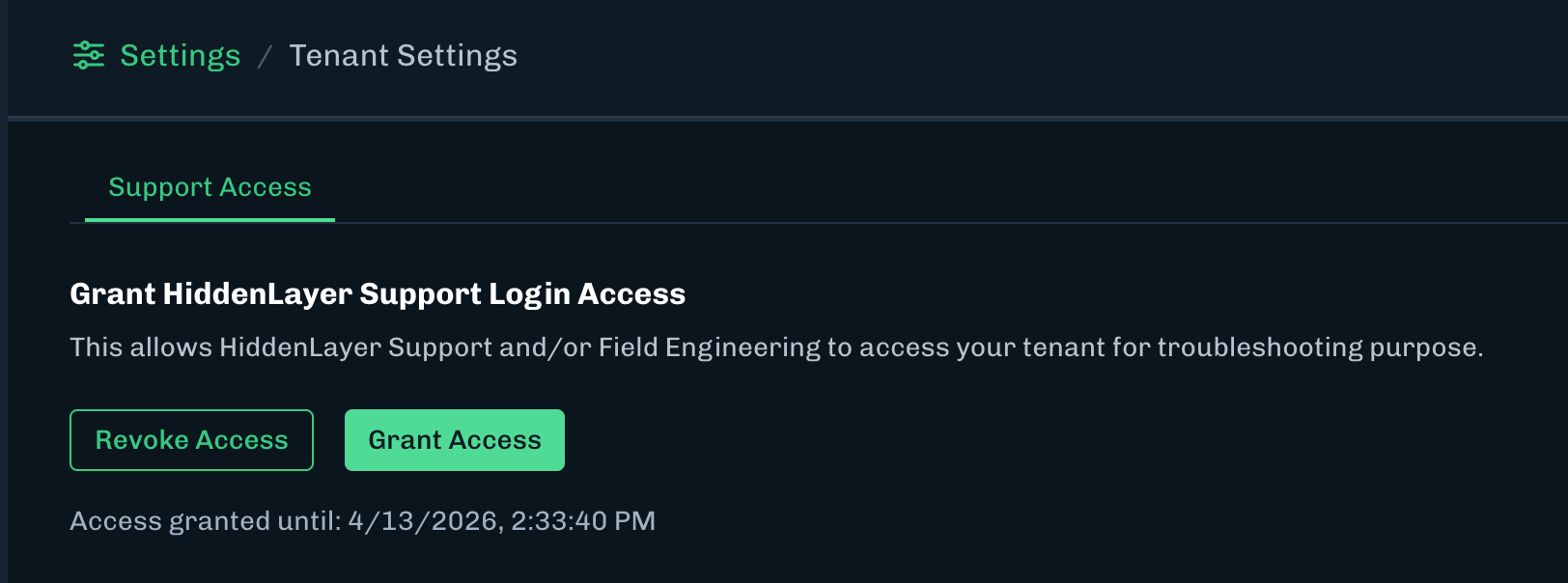 ## Support Login Access
Access will be tracked under Settings > Audit Log.
HiddenLayer Support will have a role called “HL Admin” and the Actor column will display the Hiddenlayer user accessing the Console.
## Support Login Access
Access will be tracked under Settings > Audit Log.
HiddenLayer Support will have a role called “HL Admin” and the Actor column will display the Hiddenlayer user accessing the Console.
