

Configure Integration
- In the HiddenLayer Console, go to Settings > Integrations.
-
Under AI & Agentic Ecosystem, click the menu (three vertical dots) for Gated Hugging Face.
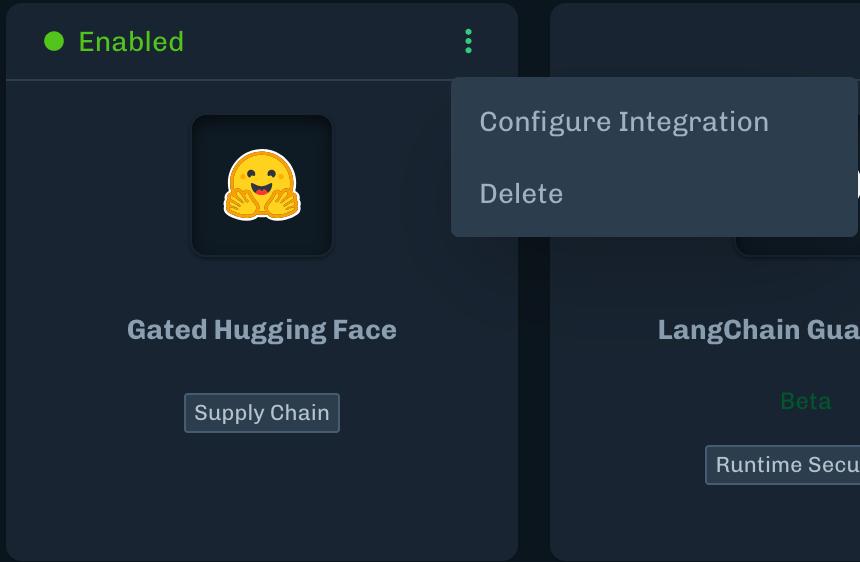
- Select Configure Integration.
-
Paste your Hugging Face token into the Token field.
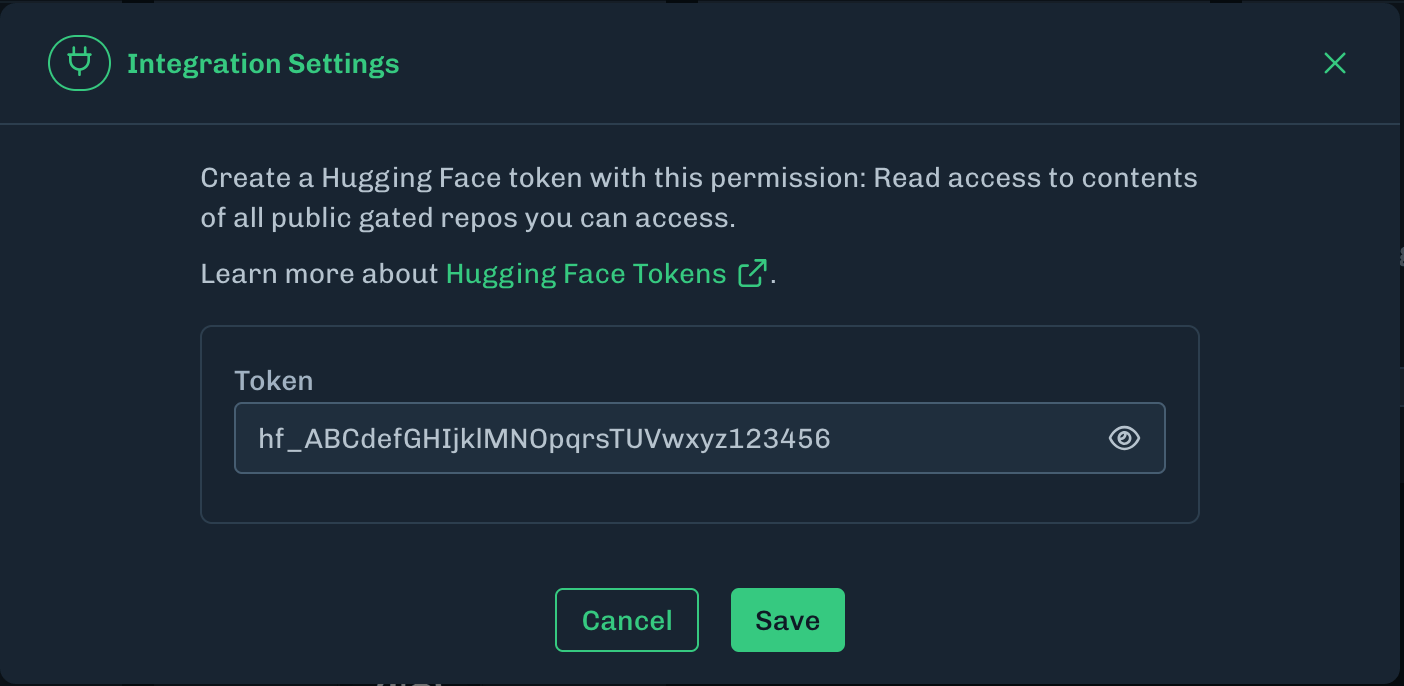
- Click Save.
Scan Gated Hugging Face Models
Request Access to Gated Models
-
To scan a Hugging Face Gated model, you must be granted access to it.
- You can request access via the Hugging Face website.
- See Hugging Face’s Gated Model documentation for more information.
- You must be granted access with the Hugging Face account associated with your Gated Hugging Face integration.