

hiddenlayer-apim to deploy policy fragments, apply them to APIs, inspect status, and remove them when needed.
Command Summary
Packages
deploy or apply to confirm which package names are valid for --package and --packages.
Deploy
--overwrite only when you intentionally want to update existing HiddenLayer-managed resources:
--overwrite would change existing named values or replace existing policy fragment XML, the command lists the affected resources and prompts for confirmation. Type yes to proceed. Secret named values are listed by name only; their values are not displayed.
Deploy multiple packages with --packages:
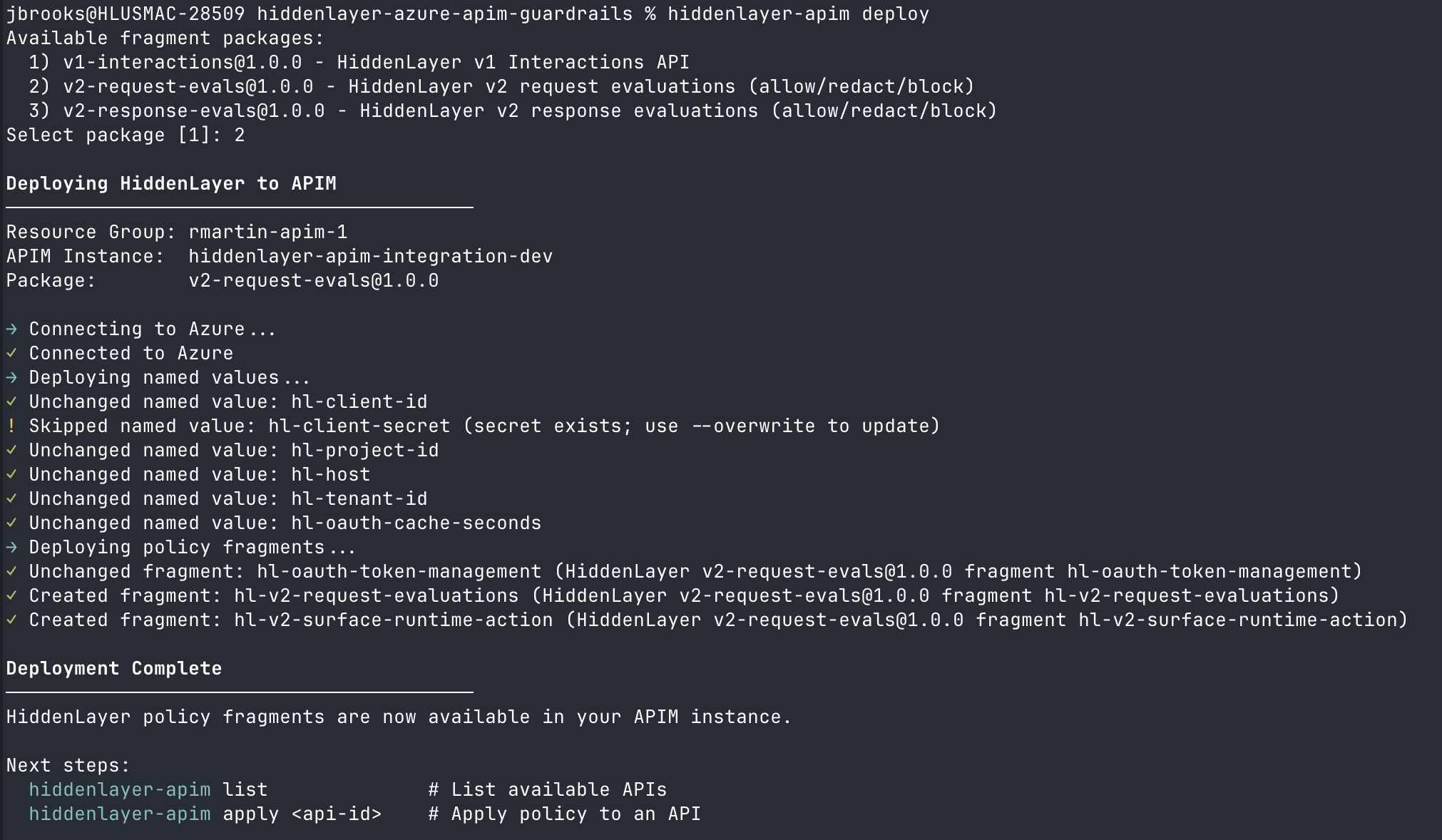
deploy shows the package menu, then prints a per-resource summary as it creates named values and policy fragments.
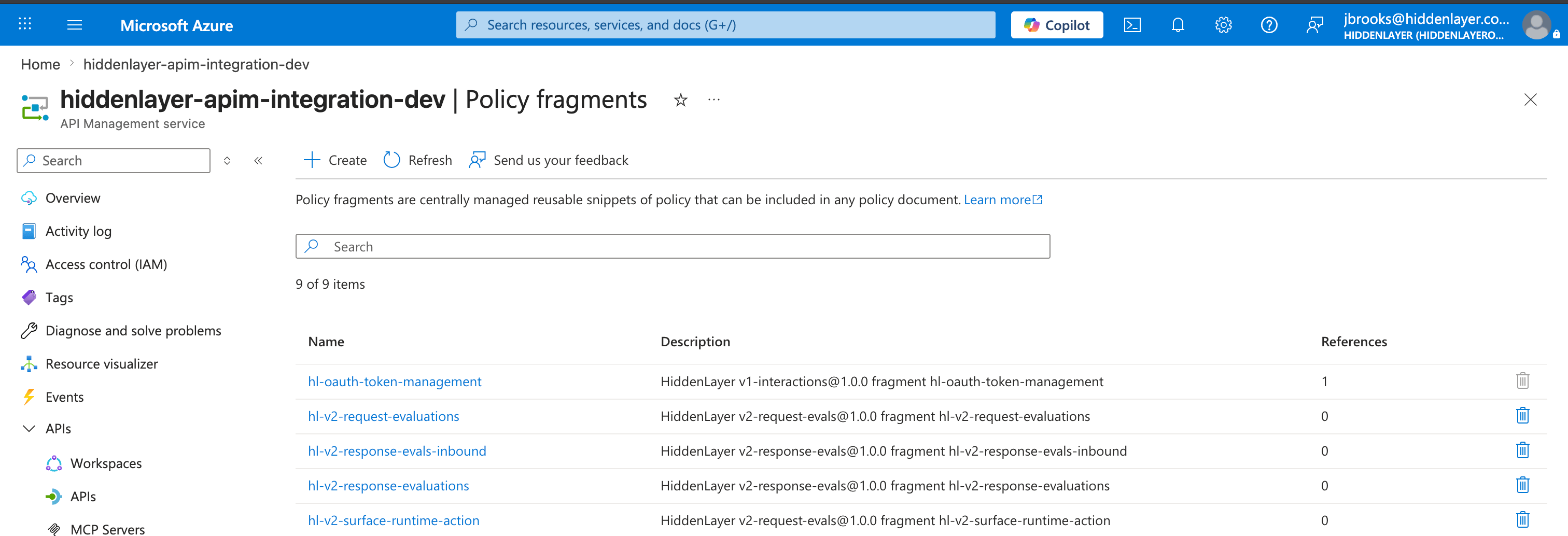
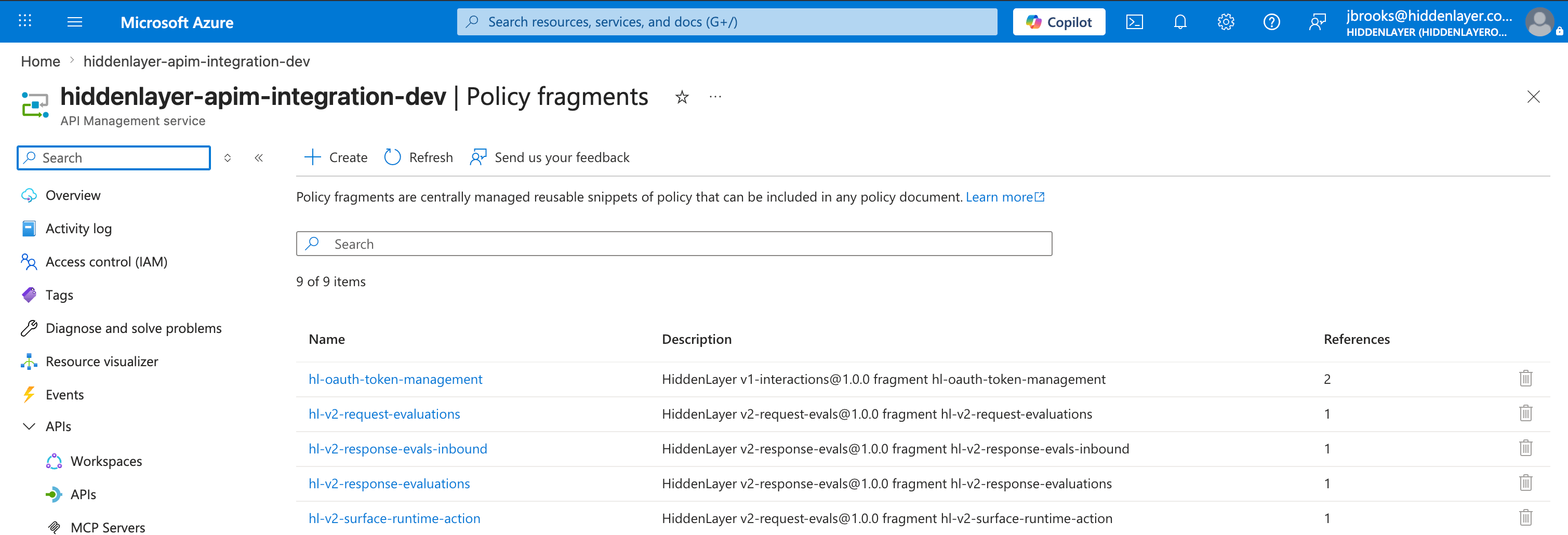
deploy completes, the new HiddenLayer fragments appear on the APIM service under APIs → Policy fragments. References stay at 0 until an API policy includes them.
List
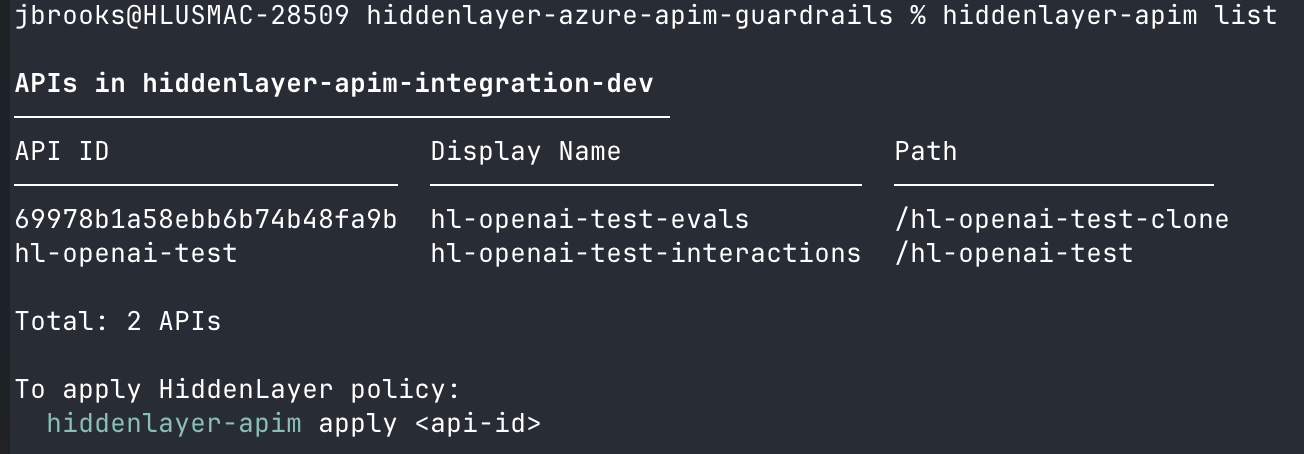
list prints the API ID, display name, and path for every API in the APIM instance. Use it to find the <api-id> value to pass to apply, remove, or status.
Apply
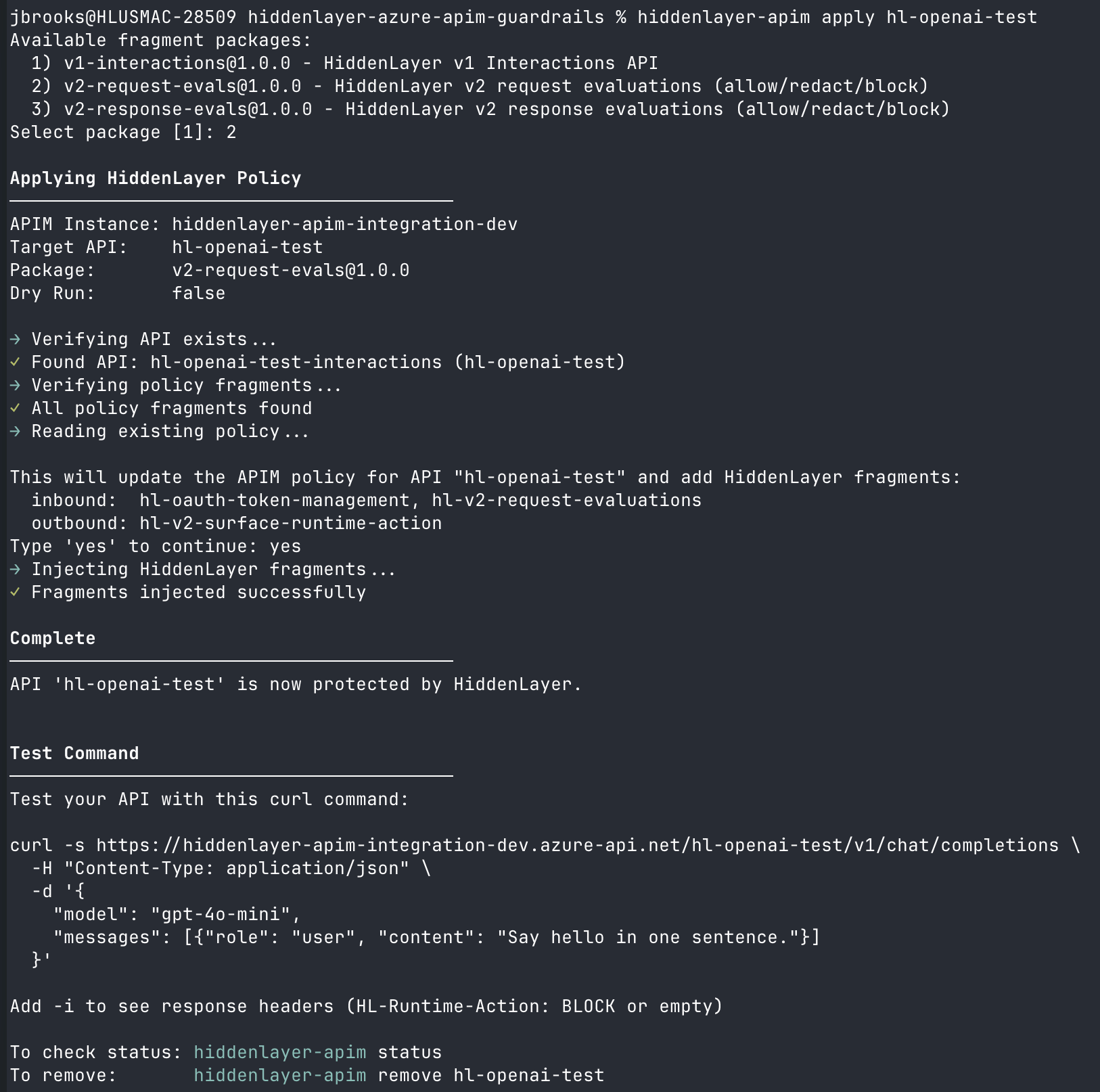
yes to continue, or pass --yes to skip the prompt in automated workflows:
apply reports that and exits without changing the policy.
Preview the API policy before applying it:
curl test command for the affected API.
apply, the References column on the APIM Policy fragments page increases for every fragment included in the API policy. Shared fragments such as hl-oauth-token-management show one reference per API that uses them.
Remove
yes to continue, or pass --yes to skip the prompt in automated workflows:
--packages:
remove preserves shared fragments (for example hl-oauth-token-management) that other installed packages still need.
Use --all to remove every HiddenLayer fragment detected in the API policy, regardless of package:
--all cannot be combined with --package or --packages. When you omit --package, --packages, and --all, the CLI selects a package from HL_PACKAGE or, when no default is set and multiple packages are available, prompts interactively.
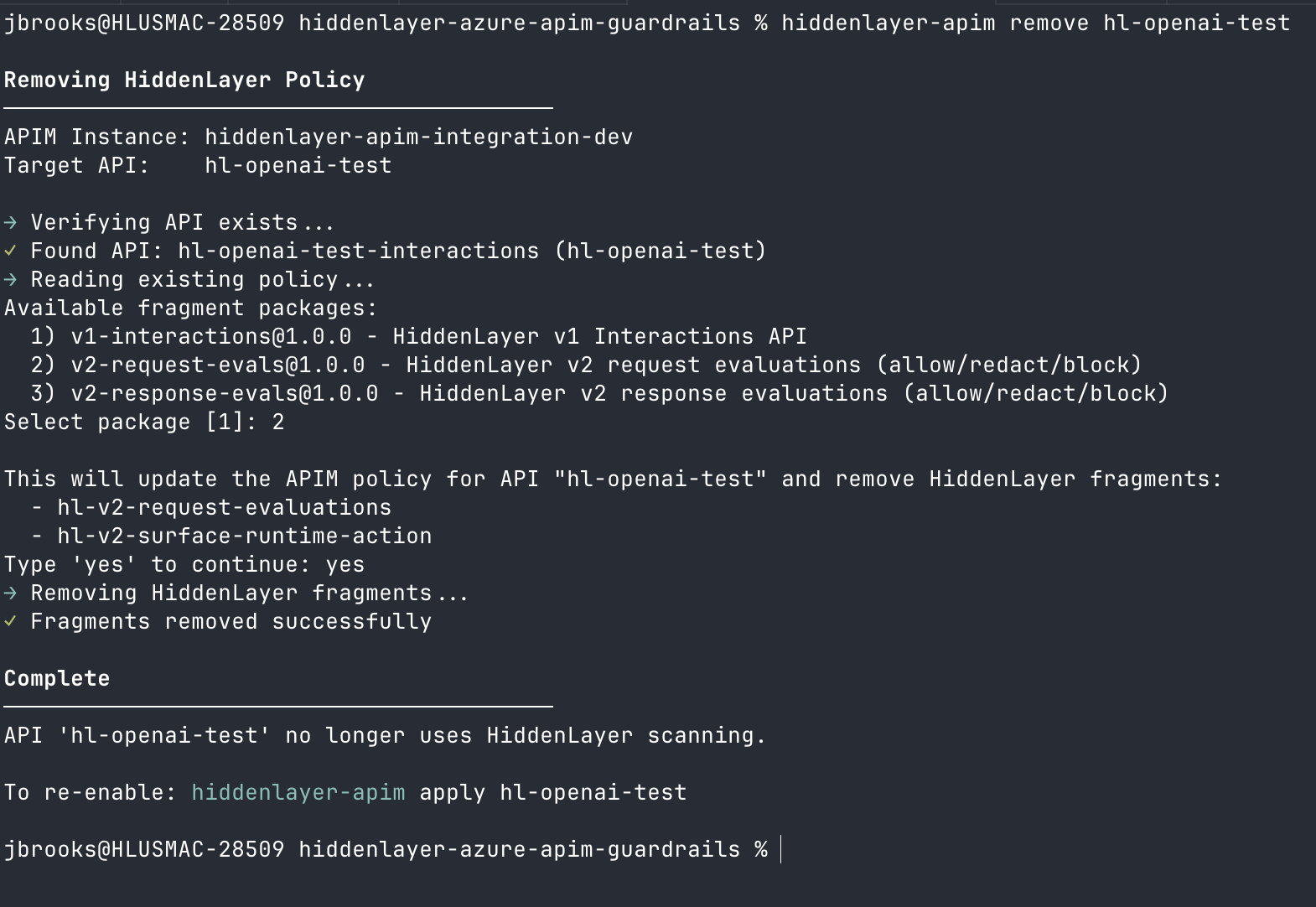
The terminal output below shows package selection, the per-fragment confirmation list, and the removal step.
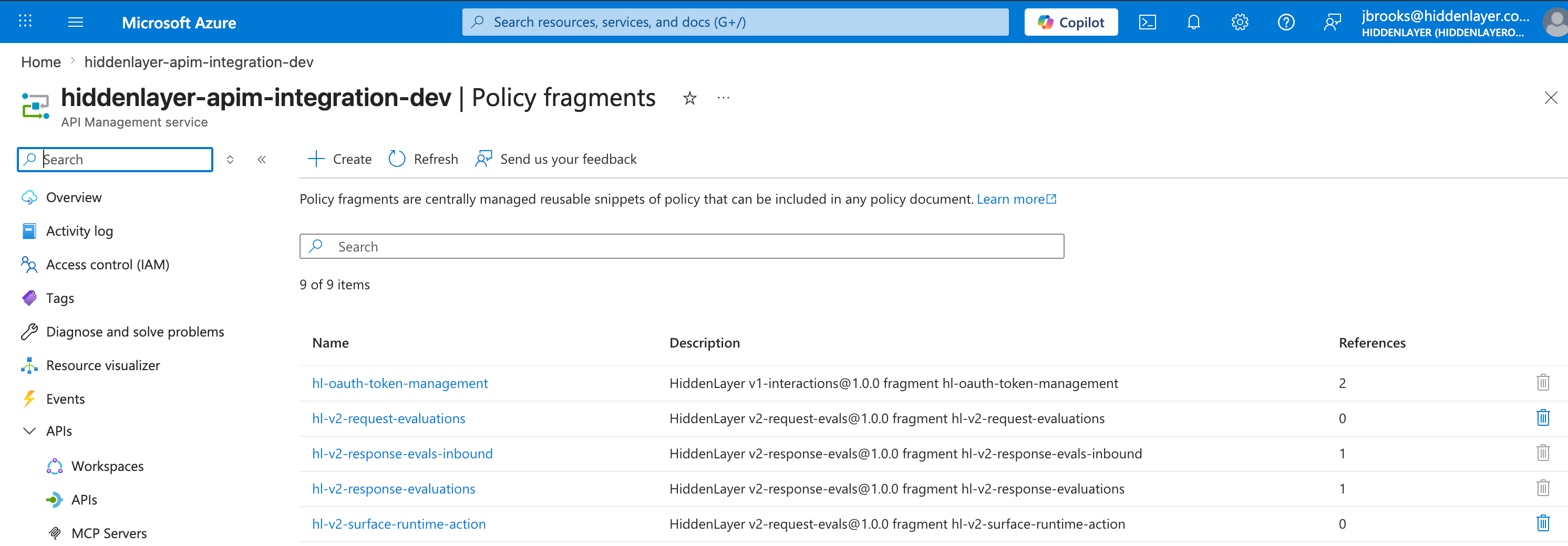
0, while shared fragments still referenced by other APIs (for example hl-oauth-token-management) retain a non-zero reference count — confirming that remove preserves cross-package dependencies.
Status
status after deploy and apply to verify APIM resources and target API policy references.
Export Bicep
main.bicep, a starter main.bicepparam, and the package’s fragments/*.xml files. The only required Bicep parameter is apimServiceName. Deploy the exported template with:
./hl-bicep/main.bicepparam and pass --parameters ./hl-bicep/main.bicepparam instead.
Export only inbound or outbound fragments: