

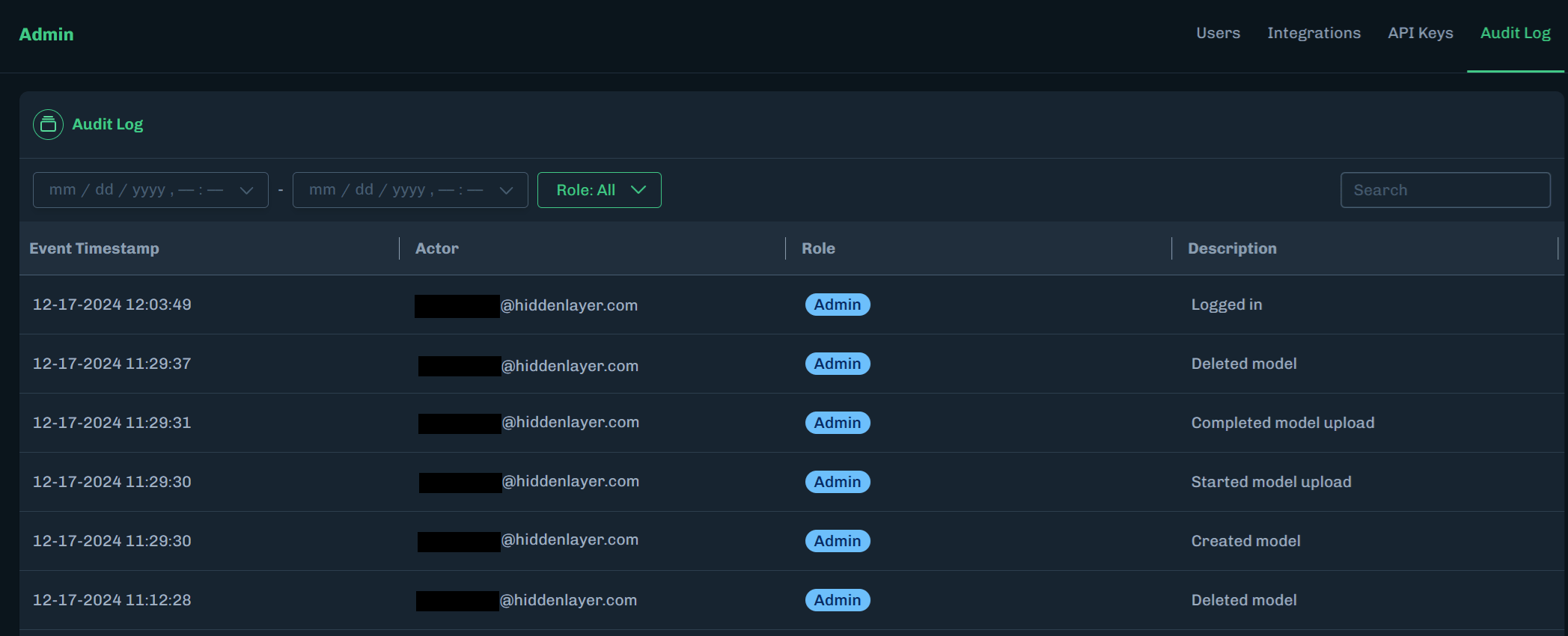
- In the Console, go to Settings > Audit Log.
-
Select a start date and end date to display audit log activity that occurred within the selected dates.
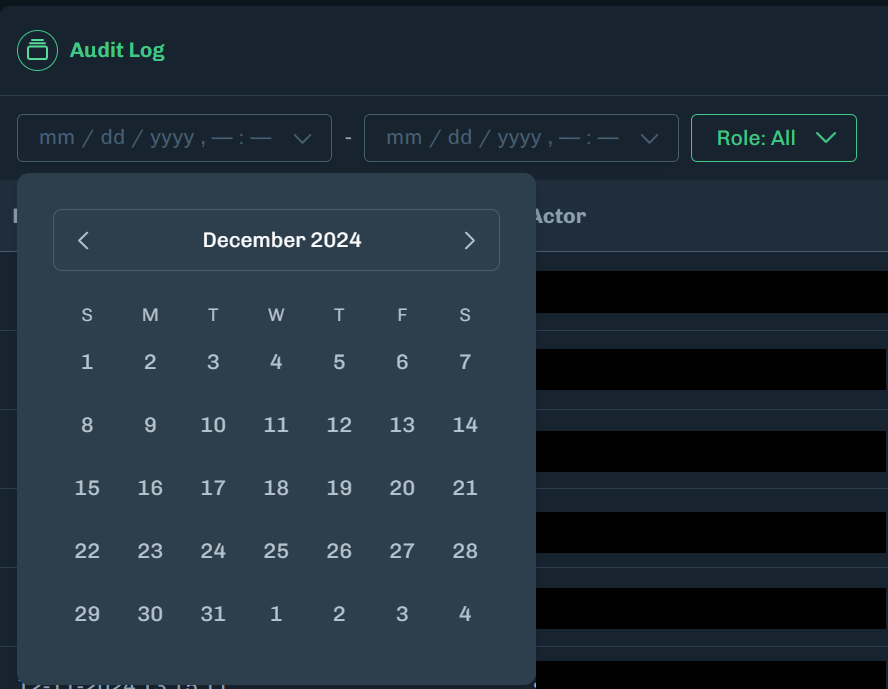
-
Select a role to display audit log activity based on a user’s assigned role.
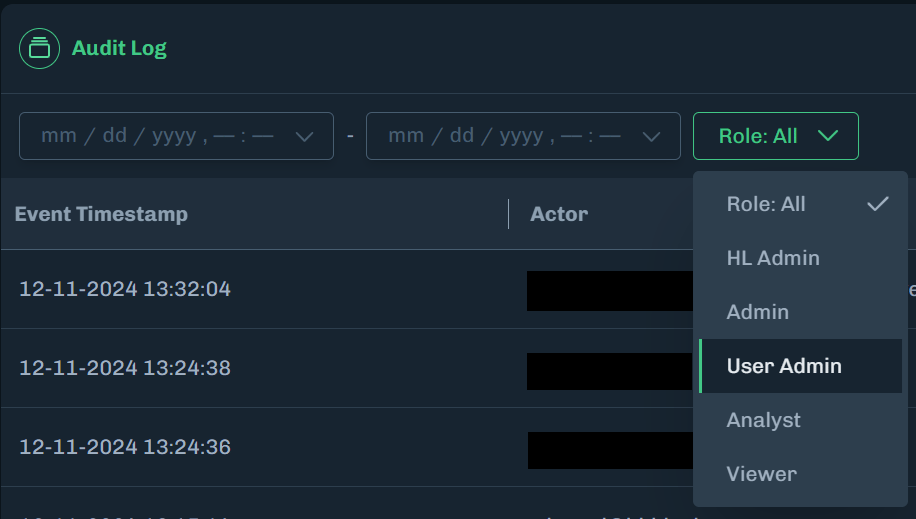
-
Use the search field to display audit log activity based on the user’s email address.
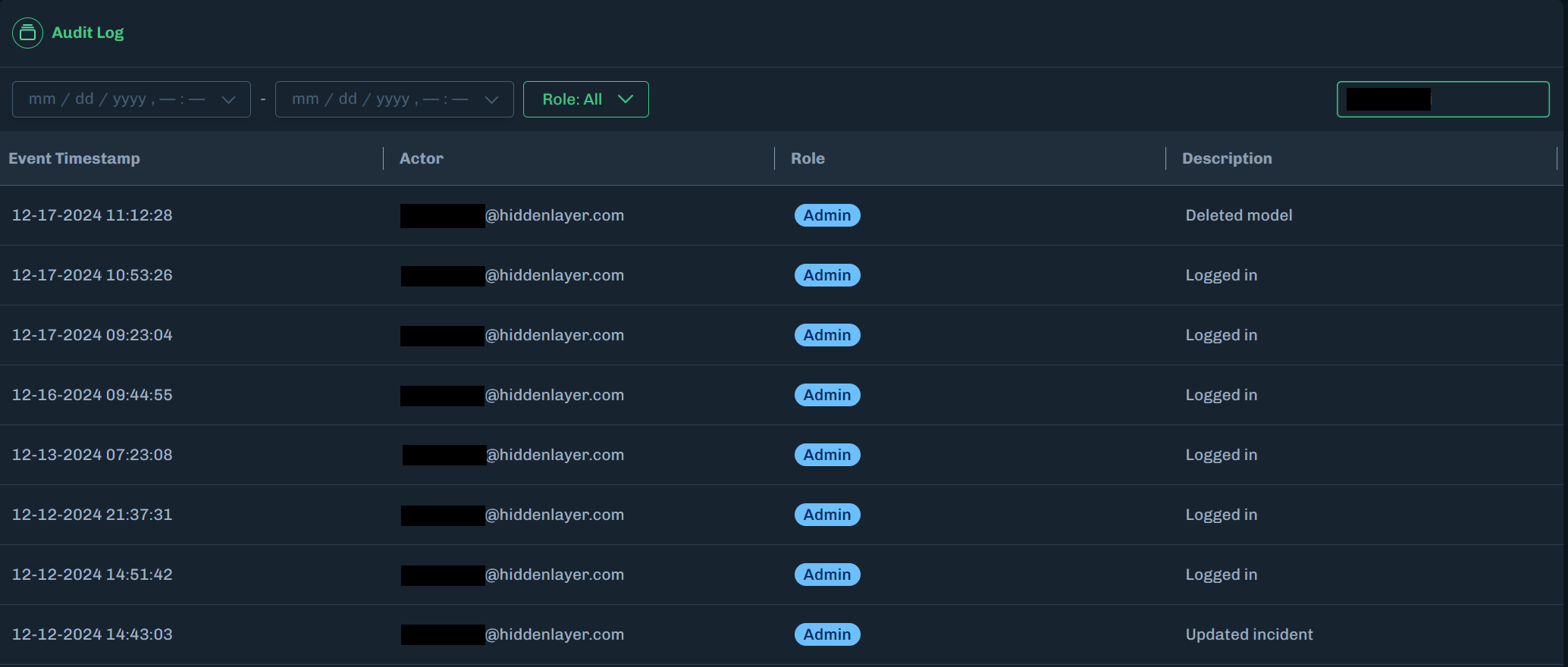
Email SearchYou must enter the full username in the email address. If the user’s email address is
username@email.com, then use username to search by the email address.Data RetentionAudit log entries are retained for 365 days.
What is loggedThe audit log records administrative actions and configuration changes. It does not record every page view. You can forward these events to a SIEM using Splunk or a custom webhook configured for audit logs. Azure Sentinel currently receives detection alerts, not this administrative audit log.