

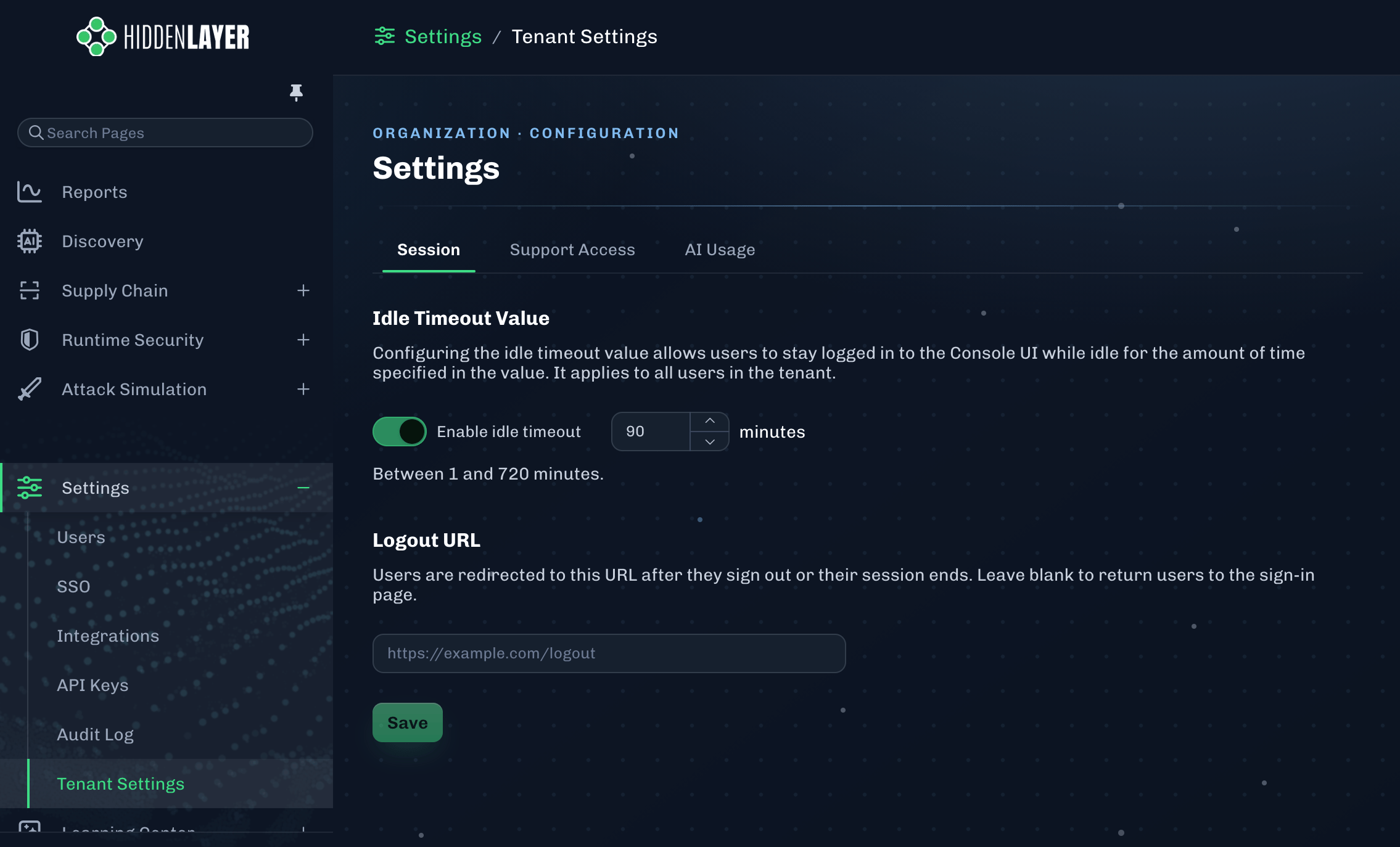
Session
Idle Timeout Value
Configuring the idle timeout value allows users to stay logged in to the Console UI while idle for the amount of time specified in the value. It applies to all users in the tenant.- The idle timeout can be from 1 minute up to 720 minutes (12 hours).
- Update this setting, then click Save.
Logout URL
Users are redirected to this URL after they sign out or their session ends. Leave blank to return users to the HiddenLayer sign-in page.- Paste your URL into the provided field, then click Save.
Support Access
Grant HiddenLayer Support Login Access
Enabling this allows HiddenLayer Support and/or Field Engineering to access your tenant for troubleshooting purpose. You can revoke access at any time.-
To enable:
- Click Grant Access
- Select the number of days from the drop-down menu
- Click Submit
-
To disable, click Revoke Access.
- Note: If the Revoke Access button is not available, this means Support login access is disabled.
AI Usage
Allow AI Usage in the HiddenLayer Platform
Enabling this allows HiddenLayer to provide Supply Chain guidance using AI.- Click the toggle to enable or disable AI usage for Supply Chain.